Vector
Creative
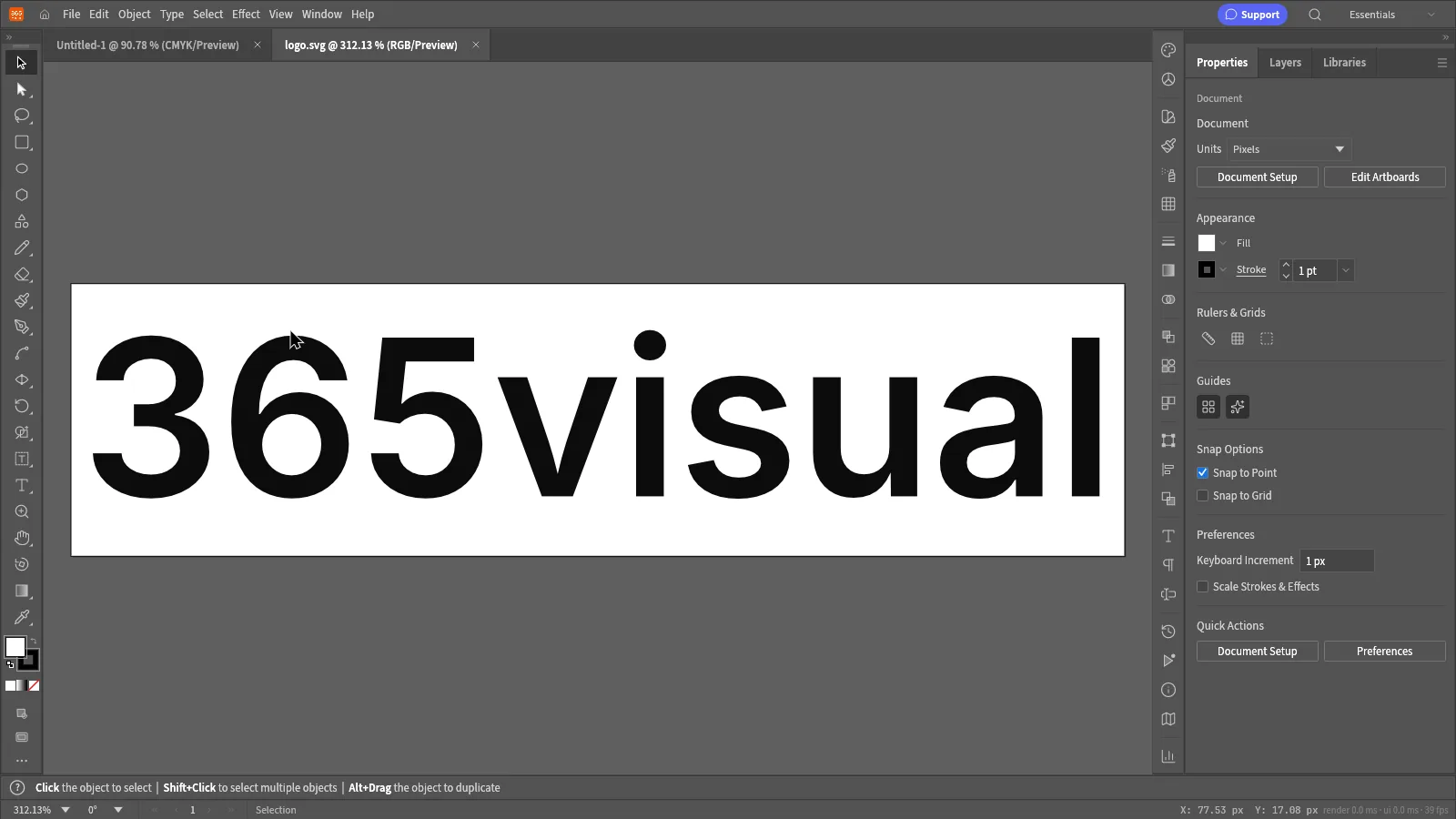
365visual Vector
Draw logos, icons and illustrations with precise, scalable vector tools.
- Pen, shape and boolean tools
- Artboards for multi-size output
- Opens and saves SVG, PDF and EPS
- Grids, guides and smart snapping
365visual Vector
What's new
Version 0.11.016 Oct 2026
- 365visual Vector 0.11.0.
System requirements
Desktop app
- Windows 10 or Windows 11
- 64-bit (x64) PC or laptop
- 95 MB download
- Internet to activate, then at least every 14 days
Web version
- A modern browser — Chrome, Edge, Firefox or Safari
- Nothing to install
- Your 365visual Pro activation code
- Files stay on your device